Monitor Arm
A monitor arm is a mount that attaches to your desk (usually via clamp or grommet) and holds your display above the desktop surface. This lets you:
- Adjust height, tilt, and angle to find an ergonomic viewing position
- Free up desk space by removing bulky monitor stands
- Improve posture, reducing neck/back strain during long gaming or work sessions
Good arms are especially popular for gaming setups and productivity stations because they let you fine‑tune display position for comfort and immersion.
📌 Key Things to Look For
Before choosing a monitor arm, check these factors:
🎯 1. VESA Compatibility
Your monitor must support VESA mount patterns (usually 75×75 mm or 100×100 mm). This is the square hole pattern on the back of the screen that the arm attaches to.
⚖️ 2. Weight & Size
Make sure the arm’s weight capacity is above your monitor’s weight without the stand (plus a bit of buffer). Curved and ultrawide monitors often exert more leverage and may need stronger arms.
🛠️ 3. Mount Type
- Clamp mount — clips to the desk edge; easy install
- Grommet mount — goes through a hole for extra stability
- Wall mount — good if desk edges aren’t suitable
🔄 4. Adjustment Range
Good arms let you:
- Raise/lower height
- Tilt up/down
- Swivel left/right
- Rotate between landscape and portrait mode
🧰 5. Single vs Dual
- Single arms are great for one monitor and usually cheaper
- Dual (or more) arms support multiple screens while saving space.

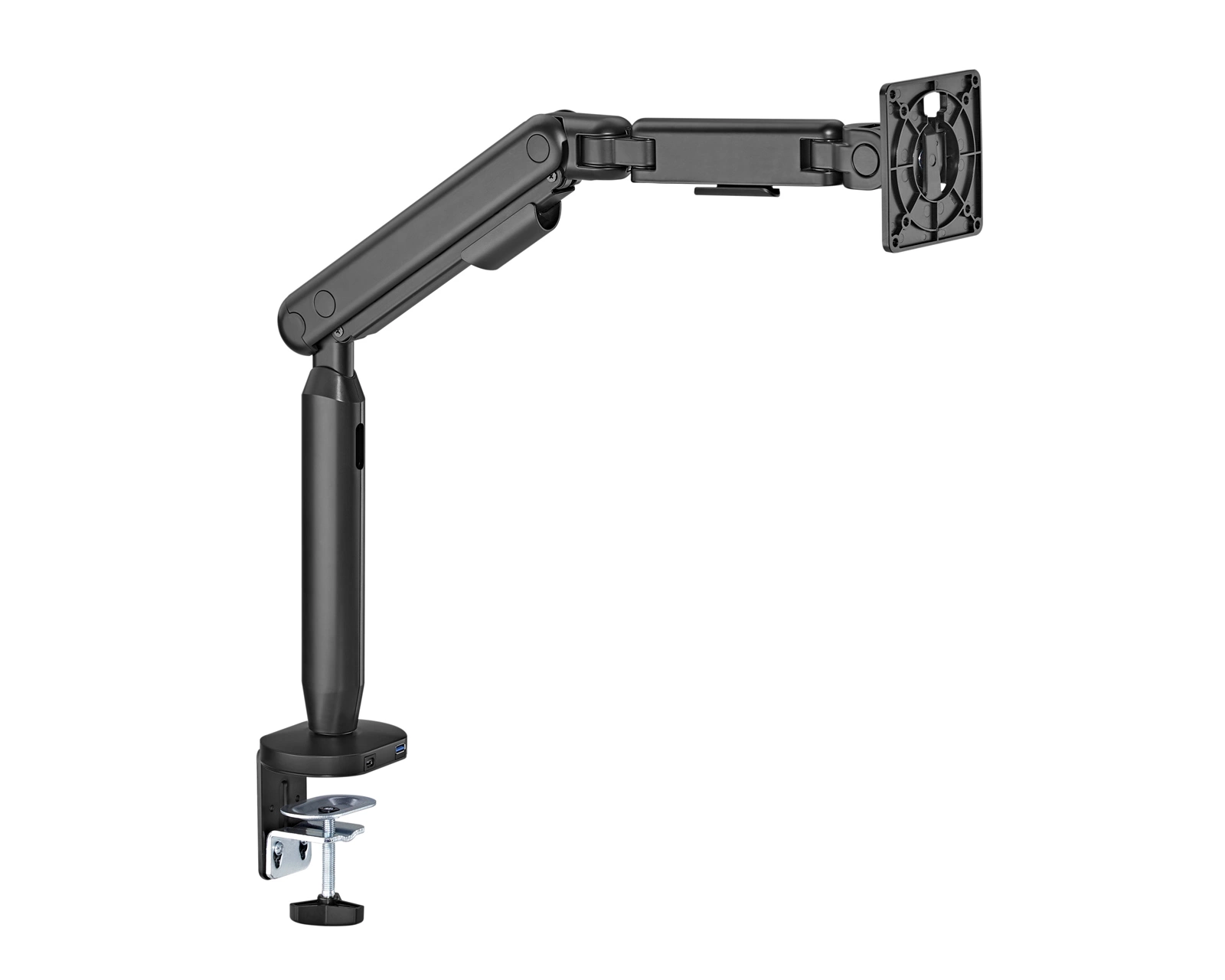
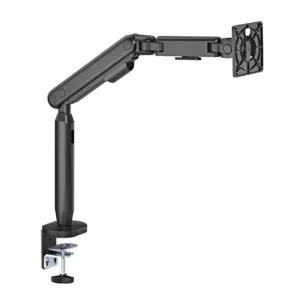 Monitor Arm
Reviews
There are no reviews yet.